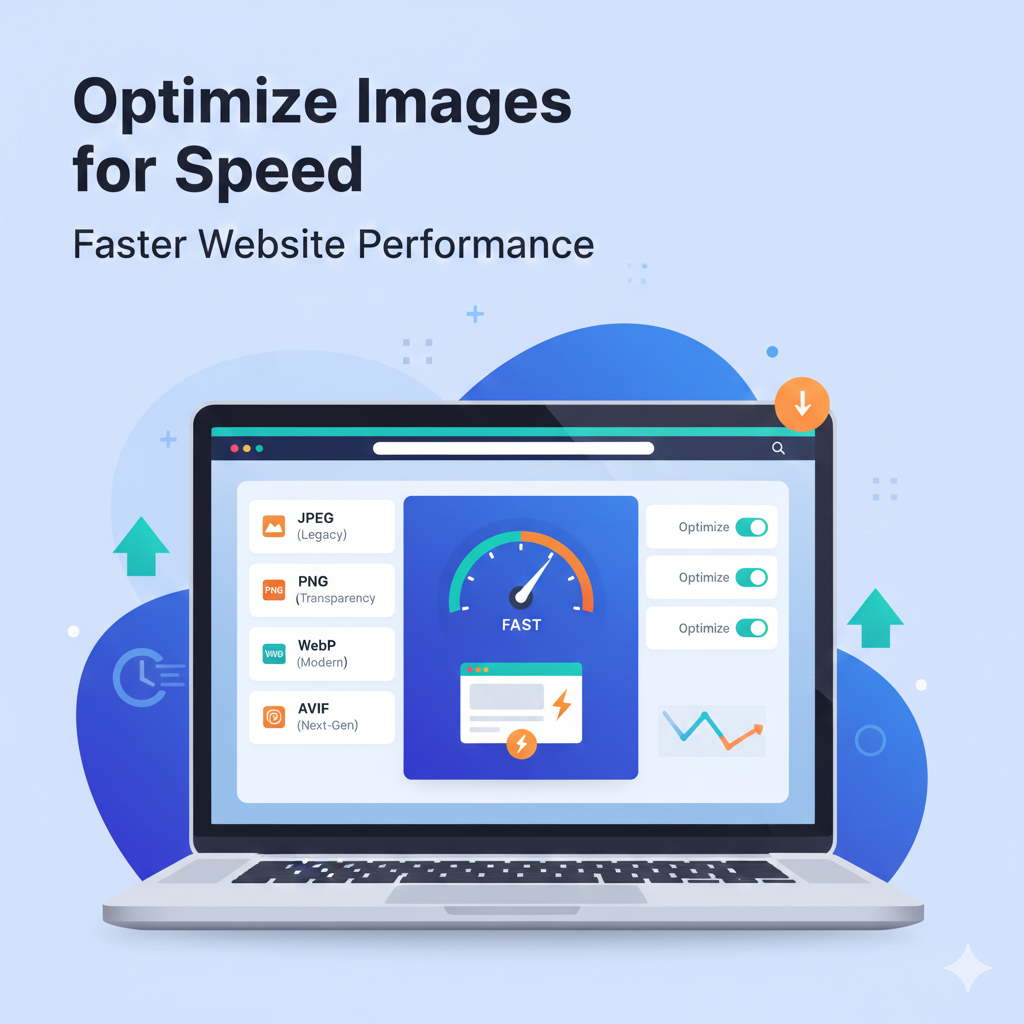
Images play a crucial role in modern websites, making them visually appealing and engaging. Whether you run a personal blog, an e-commerce store, or a professional company website, high-quality images can grab attention and increase user engagement. However, large image files can significantly slow down your website, negatively affecting user experience and search engine rankings.
In the world of website speed optimization, images are often the largest contributors to page size. A slow website can lead to higher bounce rates, lower conversions, and poor SEO performance. That’s why optimizing images has become an essential step for website owners, bloggers, and digital marketers.
In this guide, we will explain how to convert and optimize images for faster page loads using formats like WebP, AVIF, and JPEG, discuss compression techniques, and share practical tips to boost website speed.
Why Website Speed Matters
-
User Experience: Visitors expect websites to load quickly. A delay of just a few seconds can frustrate users and drive them away. Studies show that 53% of mobile users abandon websites that take longer than 3 seconds to load.
-
SEO Ranking: Google has officially stated that page speed is a ranking factor. Optimized images help your pages load faster, which improves your search engine visibility.
-
Mobile Optimization: Most internet users now access websites on mobile devices. Mobile networks are often slower than broadband, so optimized images are critical for fast mobile experiences.
-
Conversion Rates: Faster websites lead to higher conversion rates. Slow websites often result in lower sales, fewer sign-ups, and reduced engagement.
Best Image Formats for Website Speed
The choice of image format has a direct impact on file size and website speed. Let’s explore the most effective formats for web optimization:
1. WebP
-
Developed by Google to reduce image file sizes while maintaining high quality.
-
Supports transparency and animations, making it versatile for various uses.
-
Ideal for photos, illustrations, and animations on websites.
-
Typically 25–35% smaller than PNG and JPEG.
2. AVIF
-
A modern image format providing superior compression and high quality.
-
Maintains sharpness and detail even at small file sizes.
-
Supported by modern browsers such as Chrome, Firefox, and Edge.
-
Best for websites aiming for ultra-fast loading times.
3. JPEG (JPG)
-
Widely supported format for photographs.
-
Balances quality and file size efficiently.
-
Can be optimized using compression tools to reduce size without noticeable quality loss.
4. PNG
-
Best for logos, icons, and graphics that need transparency.
-
Larger file sizes compared to WebP or AVIF, so use PNG only when necessary.
5. GIF
-
Suitable for small animations.
-
Not recommended for large images or high-quality photos due to limited color support.
How to Convert Images for Faster Page Load
Step 1: Select a Reliable Converter Tool
Use trusted online converters like Imaginerz Online, TinyPNG, Squoosh, or Convertio. These tools allow you to convert images into formats like WebP, AVIF, JPEG, or PNG efficiently.
Step 2: Choose the Right Format
-
Photos & banners: WebP or AVIF
-
Logos & icons: PNG or WebP
-
Older browsers or general use: JPEG
Step 3: Resize Images Appropriately
-
Use dimensions that match your website layout.
-
Avoid uploading full-resolution camera images.
Step 4: Apply Compression
-
Use lossless compression for graphics that need to retain original quality.
-
Use lossy compression for photos to achieve smaller file sizes without noticeable quality loss.
Step 5: Add SEO Metadata
-
Include alt text describing the image.
-
Use descriptive file names, e.g.,
seo-optimized-image.webp.
Step 6: Test Your Website Speed
-
Tools like Google PageSpeed Insights, GTmetrix, and Pingdom can help you monitor page load speed.
-
Analyze how images impact performance and make adjustments accordingly.
Practical Tips for Maintaining Quality
-
Start with high-quality originals: Bigger images can be compressed more effectively.
-
Avoid excessive compression: Too much compression may make images blurry.
-
Choose the right format: PNG for transparency, WebP or AVIF for photos.
-
Lazy Loading: Load images only when they appear on screen.
-
Use a Content Delivery Network (CDN): Distribute images globally for faster access.
-
Combine with caching: Enable browser caching to speed up repeat visits.
Common Mistakes to Avoid
-
Uploading large, unoptimized images directly from cameras.
-
Using PNG for large photographs unnecessarily.
-
Ignoring browser compatibility for AVIF or WebP.
-
Failing to compress images, slowing down website speed.
-
Not including descriptive alt text for SEO.
Benefits of Optimized Images
-
Faster Website Load Time: Provides a better user experience.
-
Improved SEO: Higher rankings on Google and other search engines.
-
Lower Bandwidth Usage: Reduces hosting costs and improves mobile performance.
-
Professional Appearance: Sharp, clean visuals enhance website credibility.
-
Higher Engagement & Conversion: Visitors are more likely to stay and take action.
Tools for Image Conversion and Optimization
-
Imaginerz Online: Convert images to WebP, AVIF, JPEG quickly.
-
TinyPNG / TinyJPG: Compress PNG and JPEG images efficiently.
-
Squoosh: Browser-based tool by Google for converting and compressing images.
-
ImageOptim: Mac application for compressing images without quality loss.
-
ShortPixel / EWWW Image Optimizer: WordPress plugins for automatic optimization.
Bonus Tips for Bloggers & Website Owners
-
Use WebP for featured images to improve page speed.
-
Always check mobile load times; mobile users are the majority.
-
Combine image optimization with minified CSS/JS for overall faster performance.
-
Regularly review PageSpeed Insights to identify slow-loading images.
Conclusion
Optimizing images for website speed and SEO is no longer optional. Using modern formats like WebP, AVIF, and compressed JPEG ensures that your website loads quickly, ranks higher, and delivers a great user experience.
By following these steps—choosing the right format, resizing, compressing, and testing your images—you can achieve faster page loads, better SEO, and higher engagement. Start converting your images using Imaginerz Online and watch your website performance improve significantly.
Remember: small file sizes + high-quality images = happier visitors and higher rankings!